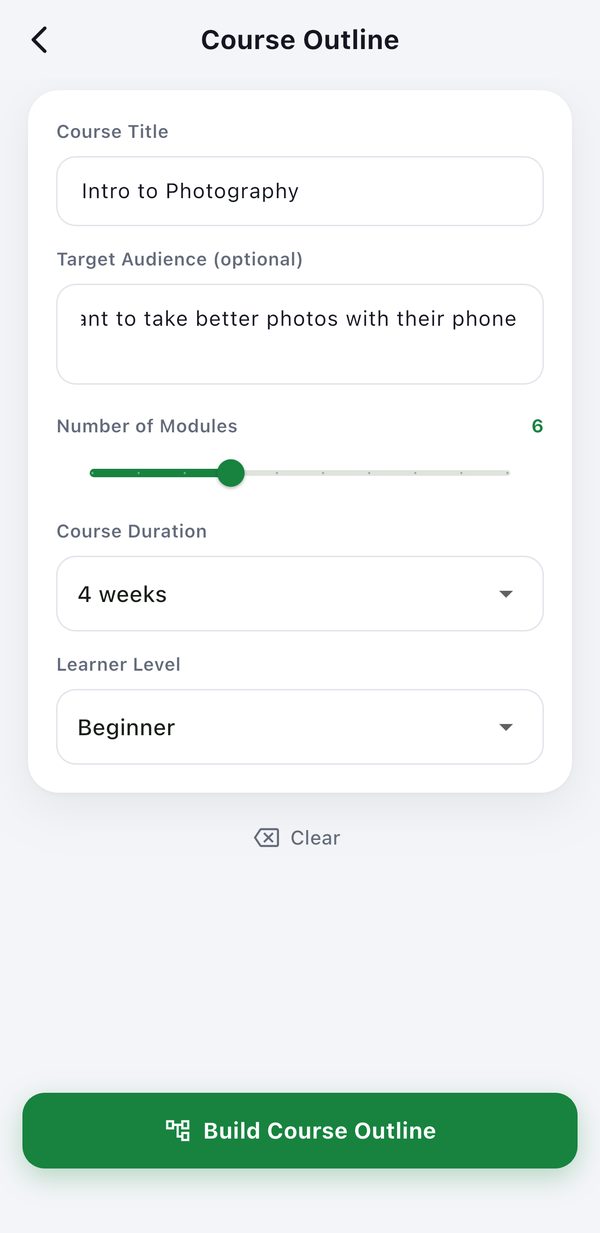
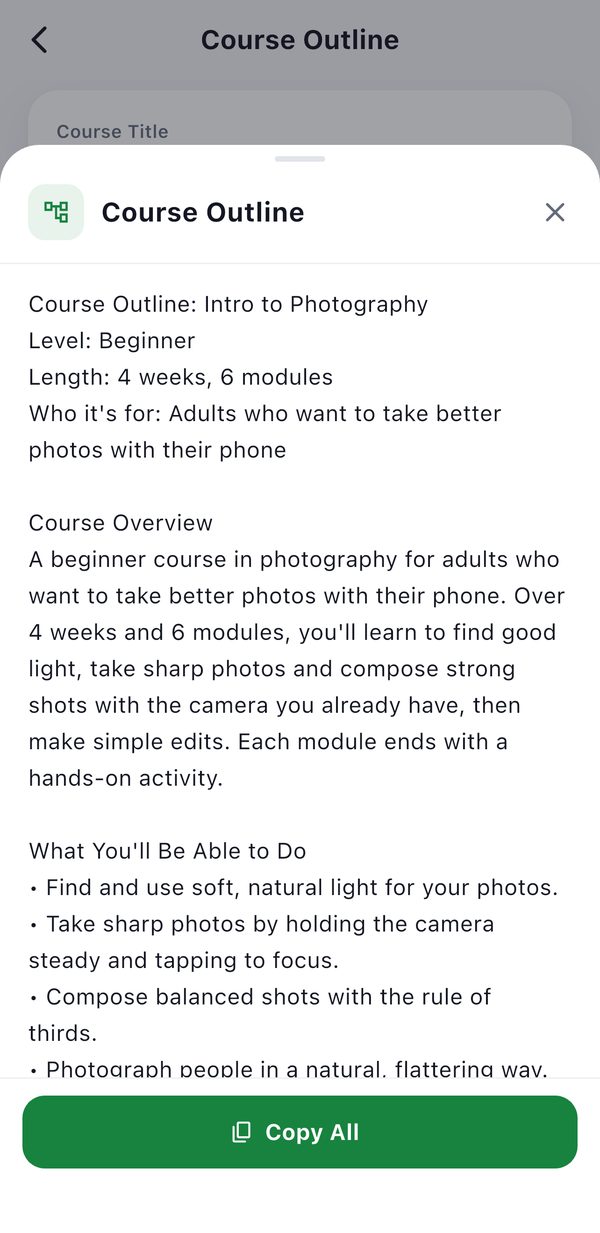
Course outline example:
Intro to Photography
A complete outline for a four-week beginner course for adults who shoot on their phone: six modules, learning objectives, a weekly schedule, hands-on activities and a final assessment. Here is how we built it in Slateroom, and what to check before you teach from it.
Published 27 October 2026 · Example made on iPhone with Slateroom 1.0.1 (TestFlight build of the same version as the App Store release)
The result
The full course outline
Course Outline: Intro to Photography
Level: Beginner
Length: 4 weeks, 6 modules
Who it's for: Adults who want to take better photos with their phone

Course Overview
A beginner course in photography for adults who want to take better photos with their phone. Over 4 weeks and 6 modules, you'll learn to find good light, take sharp photos and compose strong shots with the camera you already have, then make simple edits. Each module ends with a hands-on activity.

What You'll Be Able to Do
• Find and use soft, natural light for your photos.
• Take sharp photos by holding the camera steady and tapping to focus.
• Compose balanced shots with the rule of thirds.
• Photograph people in a natural, flattering way.
• Make simple edits that improve a photo without overdoing it.

Schedule
Week 1: Modules 1–2
Week 2: Module 3
Week 3: Modules 4–5
Week 4: Module 6

Module 1: How Your Camera Sees Light
Why light matters more than gear, and how to find good light almost anywhere.
• Soft light vs. hard light, and why soft light flatters most subjects
• Shooting near a window or in the hour after sunrise or before sunset
• Turning your subject so the light falls on it, not behind it
Activity: Photograph the same object by a window at three different times of day and note which light looks best.

Module 2: Sharp Photos Every Time
Simple habits that stop blurry, smudged and out-of-focus shots.
• Bracing your elbows and holding still as you press the shutter
• Tapping the screen to focus on the main subject
• Wiping the lens before you shoot
Activity: Take 10 photos of a small object, tapping to focus each time, and delete any that are blurry.

Module 3: The Rule of Thirds
Placing your subject off-center so the photo feels balanced and natural.
• Turning on the 3×3 grid lines in your camera settings
• Placing the subject on one of the four points where the lines cross
• Putting the horizon on the top or bottom line, not through the middle
Activity: Shoot one subject twice, once in the center and once on a third line, and compare the two photos.

Module 4: Photographing People
Natural, flattering portraits of friends and family.
• Using soft window light for portraits
• Focusing on the eye closest to the camera
• Helping people relax with small talk and simple directions
Activity: Take a window-light portrait of a friend or family member in three different poses.

Module 5: Editing Basics
Small edits that make a good photo better without overdoing it.
• Straightening and cropping to strengthen the composition
• Adjusting exposure, contrast and highlights
• Fixing color with white balance
Activity: Edit three of your photos in a free editing app, keeping the originals to compare.

Module 6: Final Project & Review
Bring together everything from the course in a small portfolio.
• Reviewing light, focus and composition
• Choosing your best photo from each module
• Making one small edit to each chosen photo
Activity: Put together a portfolio of 10 photos that use soft light and the rule of thirds, with a one-line note on each.

Final Assessment
A portfolio of 10 of your own photos, each with a one-line note on how you used light and composition.

Before You Start
None. A phone camera is enough, and no experience is needed.
Shown unedited. The wording changes each time you build an outline, so you will get an outline like this one rather than this exact text.