In the app
See Slateroom in action
The second and third screenshots show a real input and the course outline Slateroom built from it.
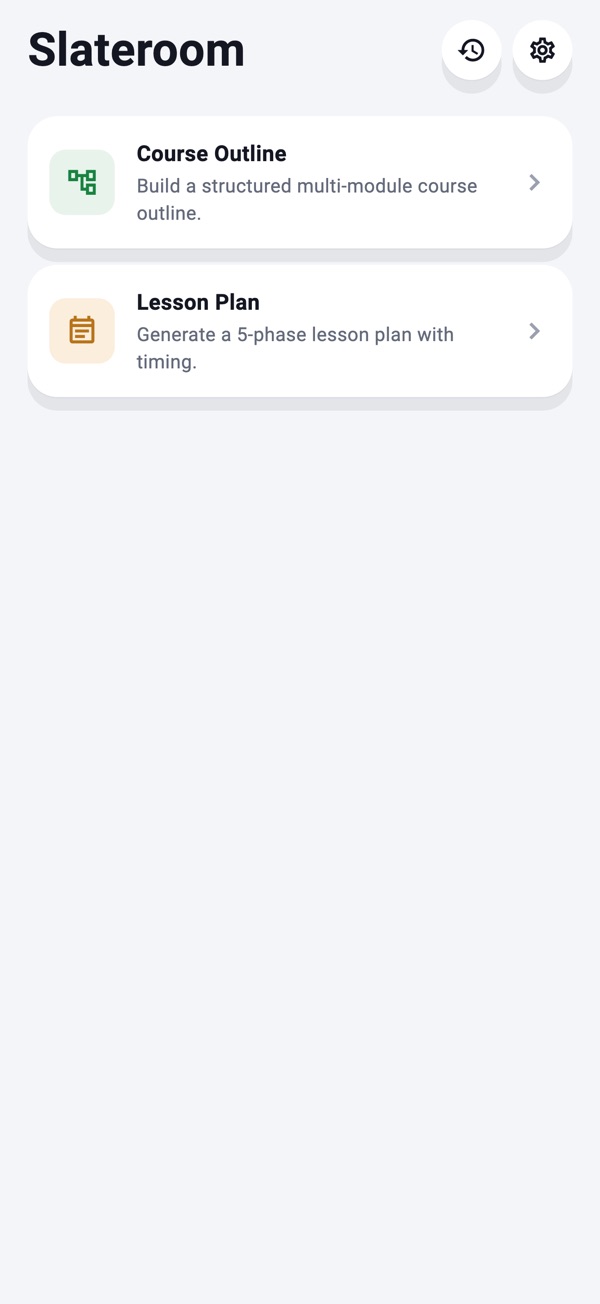
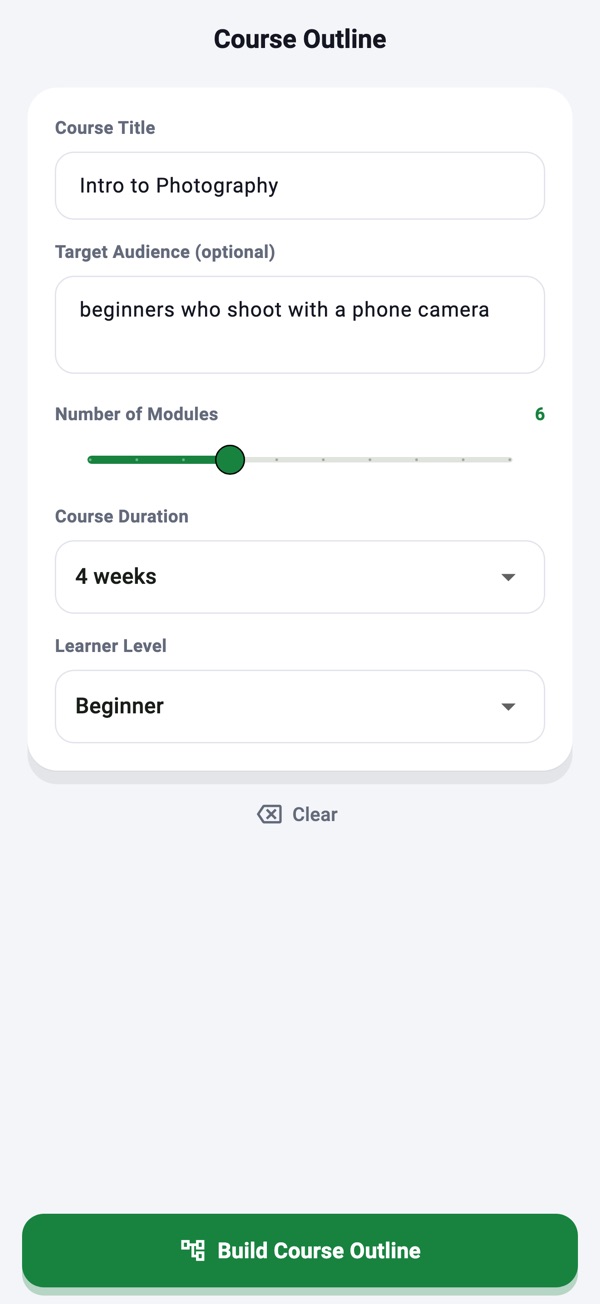
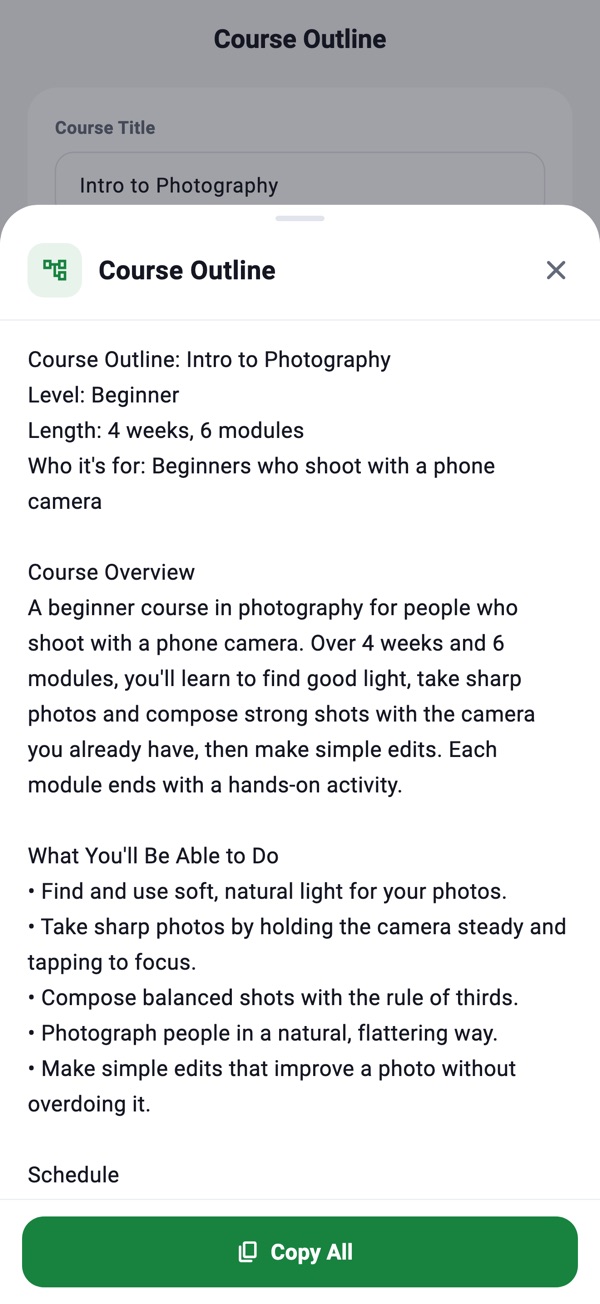
Screenshots from the Slateroom listing on the App Store, October 2026.
Two planning tools for teachers, in one app. Build a complete course outline or prepare a single lesson. Enter your topic or course title, set the scope, and your structured plan appears.
An overview, learning objectives, a module-by-module breakdown, session topics, hands-on activities, assessment ideas and prerequisites.
From 3 to 12 modules, from one week to a full semester, at beginner, intermediate or advanced level.
One class in five phases: warm-up, direct instruction, guided practice, independent practice and wrap-up.
A minute-by-minute split that matches your class length exactly, plus the materials you need and differentiation ideas for students who struggle and for those who are ahead.
Course Outline for a whole course, or Lesson Plan for a single class.
Type your topic or course title, then set the scope, such as the number of modules, the duration or the level.
Each lesson phase shows what the teacher does, what students do, and gives a concrete prompt or example.
The second and third screenshots show a real input and the course outline Slateroom built from it.
Screenshots from the Slateroom listing on the App Store, October 2026.
Payments are handled by Apple. To manage in-app purchases and subscriptions, AIJJ apps use RevenueCat, as described in section 7 of our Privacy Policy.
| Platform | iPhone and iPad |
|---|---|
| Requires | iOS 15.0 or later on iPhone; iPadOS 15.0 or later on iPad. |
| Languages | English, French, German, Japanese, Korean, Portuguese, Spanish |
| Category | Education |
| Price | Free to download; in-app subscriptions available (weekly, monthly, or yearly). |
| Developer | AIJJ LLC |
Teachers and trainers who want a structured course outline or a timed lesson plan for a topic they teach.
You set the class length, and the five phases are split minute by minute to match it exactly.
No account is required. Writing features work offline once installed. An internet connection is required for App Store purchases and restoring purchases.
Slateroom is available on the App Store for iPhone and iPad running iOS 15.0 or later.
Visit our Support page or email support@aijj.net.
Slateroom is free to download on the App Store.